Secret Access Patterns: Lambda, ECS, EKS, and CI
Explore secure secret management patterns across AWS Lambda, ECS, EKS, and CI pipelines using native integrations and the Secrets Store CSI Driver.
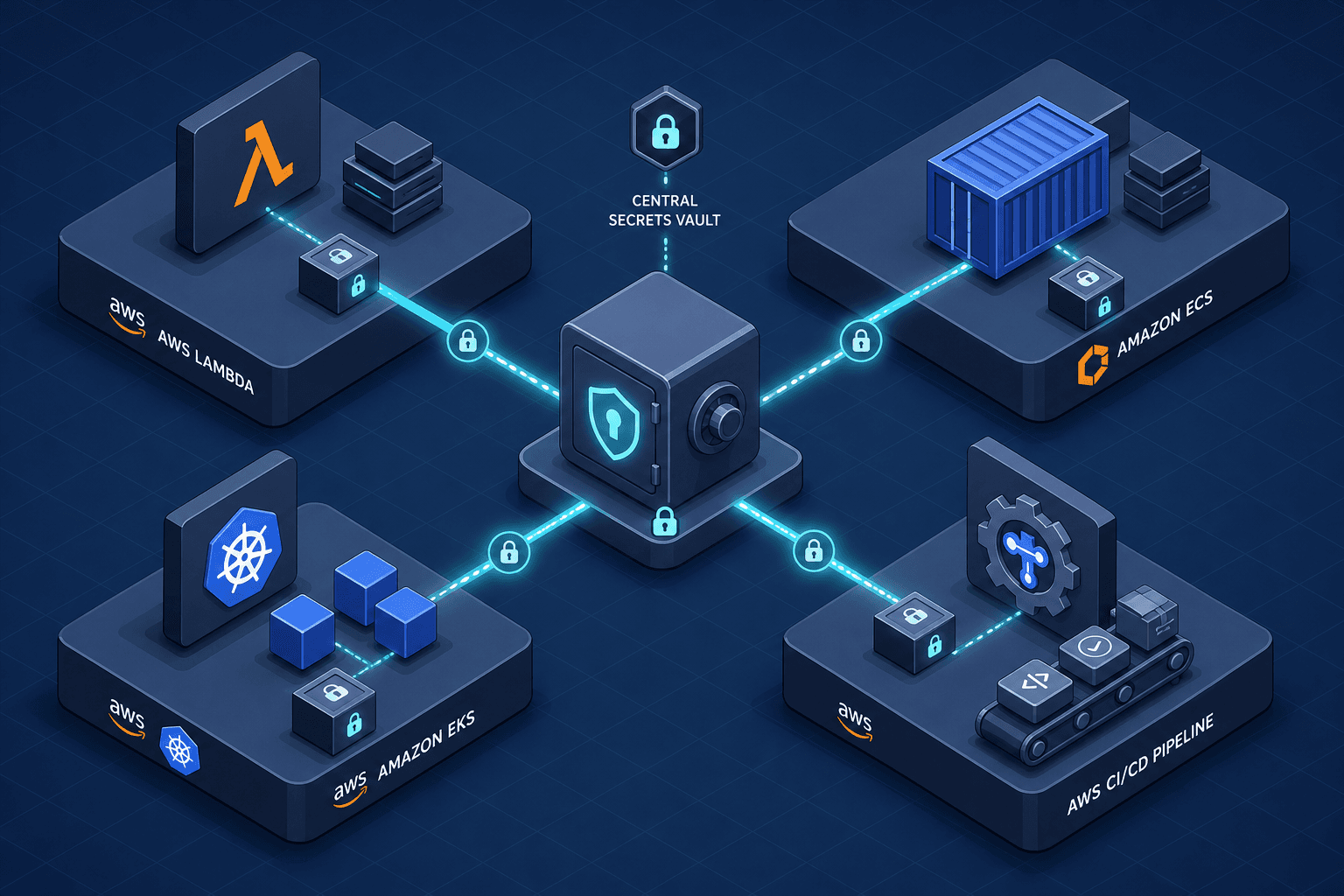
Managing aws secret access patterns in cloud infrastructure is rarely about finding a single "best" tool; it is about matching the injection mechanism to the lifecycle and trust boundary of the workload. Static credentials stored in environment variables create a persistent attack surface. Modern AWS architectures rely on dynamic injection, where secrets are fetched at runtime or startup by a trusted agent, ensuring that the application code never holds long-lived credentials. This walkthrough examines the specific mechanisms for Lambda, ECS, EKS, and CI pipelines, highlighting how each environment leverages native integrations or the Secrets Store CSI Driver to enforce least privilege.
Lambda: The Extension Pattern
In AWS Lambda, the execution environment is ephemeral. Cold starts introduce latency, and making synchronous calls to AWS Secrets Manager during initialization can significantly increase this delay. The solution is the AWS Parameters and Secrets Lambda Extension, as detailed in the AWS Lambda Extensions documentation.
The mechanism operates in three phases: initialization, caching, and retrieval. During the function's initialization phase, the Lambda runtime loads the extension, which starts a local HTTP server within the execution environment. The extension authenticates with AWS Secrets Manager using the function's execution role (IAM Role). When invoked, it fetches the secret value and stores it in a local cache. Crucially, the function code retrieves the secret by making a request to the extension's local endpoint, rather than embedding the secret directly in the environment variables.
This pattern decouples secret retrieval from the application logic. The application makes a lightweight local HTTP call to the extension, which handles the network call, error handling, and caching. If the secret is rotated, the extension can be configured to refresh the cache periodically or on-demand, ensuring the running instance always has the current value without code changes.
// Example: Lambda Function with Secrets Manager Extension
{
  "Environment": {
    "Variables": {
      "DB_PASSWORD": "arn:aws:secretsmanager:us-east-1:123456789012:secret:my-db-password-AbCdEf"
    }
  },
  "Layers": [
    "arn:aws:lambda:us-east-1:177933569100:layer:AWS-Parameters-and-Secrets-Lambda-Extension:11"
  ]
}
By offloading the fetch logic to the extension, you maintain the security benefit of IAM-based authentication while preserving the performance characteristics of the Lambda runtime.
ECS: Native Agent Injection
Amazon ECS handles secret injection differently because containers may have longer lifespans than Lambda functions, but they still share the constraint of not wanting to embed credentials in the container image. ECS provides a native integration that allows you to specify secrets directly in the Task Definition, as described in the ECS Task Definition documentation.
When ECS launches a task, the ECS Agent on the host node resolves the secret ARNs. It then calls AWS Secrets Manager or Parameter Store using the IAM role associated with the task definition. The agent retrieves the secret value and injects it into the container's environment variables before the container starts.
This process happens before the primary process in the container starts, ensuring the environment variable is populated at launch. The ECS Agent ensures that the secret is only accessible to the specific containers defined in the task, enforcing strict isolation.
# Example: ECS Task Definition with Secrets
containerDefinitions:
  - name: app
    image: my-app:latest
    secrets:
      - name: DB_PASSWORD
        valueFrom: arn:aws:secretsmanager:us-east-1:123456789012:secret:my-db-password-AbCdEf
This pattern eliminates the need for the application to manage IAM credentials or make explicit API calls to retrieve secrets, reducing both complexity and the potential for credential leakage.
EKS: Secrets Store CSI Driver
Kubernetes environments present a unique challenge: pods are highly dynamic, and injecting secrets via environment variables or ConfigMaps is not secure for sensitive data. The recommended pattern for EKS is the Secrets Store CSI Driver, specifically the AWS provider, which enables secure mounting of secrets from AWS Secrets Manager and AWS Systems Manager Parameter Store into Kubernetes pods.
The mechanism relies on the Kubernetes kubelet and the CSI driver. First, you define a SecretProviderClass that specifies the AWS secret ARNs to fetch. Then, you create a Volume in your pod specification that references this class. When the pod is scheduled, the kubelet invokes the CSI driver on the node.
The CSI driver, running as a DaemonSet on each node alongside the AWS provider, uses IAM Roles for Service Accounts (IRSA) to authenticate with AWS Secrets Manager. By attaching an IAM role to the pod's service account, the CSI driver can assume that role to fetch secrets. This ensures that the secret is stored in memory and never written to disk, providing strong security guarantees. Note that while EC2 nodes have their own IAM roles, IRSA specifically binds identity to the pod, allowing fine-grained permission control per workload rather than relying on the node's broader permissions.
# Example: Pod with CSI Driver Volume
spec:
  serviceAccountName: my-app-sa
  containers:
    - name: app
      volumeMounts:
        - name: secret-volume
          mountPath: /mnt/secrets-store
          readOnly: true
  volumes:
    - name: secret-volume
      csi:
        driver: secrets-store.csi.k8s.io
        readOnly: true
        volumeAttributes:
          secretProviderClass: aws-secrets-manager
This approach aligns with Kubernetes' native volume abstraction while leveraging AWS's secure secret storage. It also supports automatic rotation, where the CSI driver periodically checks for updates and syncs them to the mounted volume without restarting the pod.
CI/CD: OIDC Federation
CI/CD pipelines often fall into the trap of storing long-lived access keys in repository secrets. This is insecure because these keys can be leaked through logs, forks, or compromised runners. The modern pattern is to use OpenID Connect (OIDC) federation to assume AWS roles dynamically, as outlined in the AWS IAM OIDC Provider documentation.
In this model, the CI provider (e.g., GitHub Actions, GitLab CI) acts as an OIDC provider. You configure AWS IAM to trust the OIDC provider from your CI system. When the pipeline runs, the CI runner obtains a short-lived OIDC JWT token from the provider. It then exchanges this token for temporary AWS credentials via the AWS STS AssumeRoleWithWebIdentity API.
These temporary credentials are used to interact with AWS services, such as fetching secrets from Secrets Manager or deploying infrastructure. Once the job completes, the credentials expire, and no long-lived secrets are stored in the CI system. This pattern reduces the blast radius of a compromised CI secret and ensures that access is granted only to authorized pipelines and branches.
# Example: GitHub Actions Workflow with OIDC
jobs:
  deploy:
    runs-on: ubuntu-latest
    steps:
      - name: Configure AWS Credentials
        uses: aws-actions/configure-aws-credentials@v1
        with:
          role-to-assume: arn:aws:iam::123456789012:role/ci-deploy-role
          aws-region: us-east-1
This approach shifts the trust boundary from static credentials to the CI provider's identity, leveraging AWS's robust IAM policies to control access.
Conclusion
Each AWS compute and orchestration layer offers distinct mechanisms for secure secret access. Lambda benefits from extensions that cache secrets locally and serve them to the function via a local API call. ECS leverages the agent to inject secrets as environment variables. EKS utilizes the CSI Driver for secure, in-memory mounting via IRSA. CI/CD pipelines should adopt OIDC federation to avoid long-lived credentials. By aligning the secret access pattern with the runtime context, engineers can build systems that are both secure and performant.
Related posts
IRSA vs EKS Pod Identity: Architecture, Trust, and Tradeoffs
Compare IRSA and EKS Pod Identity for securing Kubernetes workloads on AWS. Learn how service accounts, trust policies, and STS sessions differ in implementation and best practices.
Automatic Secret Rotation With Lambda
Learn how to implement automatic secret rotation using AWS Lambda and Secrets Manager to enhance security for database credentials.
Identity in Serverless Architectures: Authentication Patterns for Lambda and Cloud Functions
An examination of identity management patterns for Lambda and cloud functions, focusing on Cognito authorizers and serverless security.