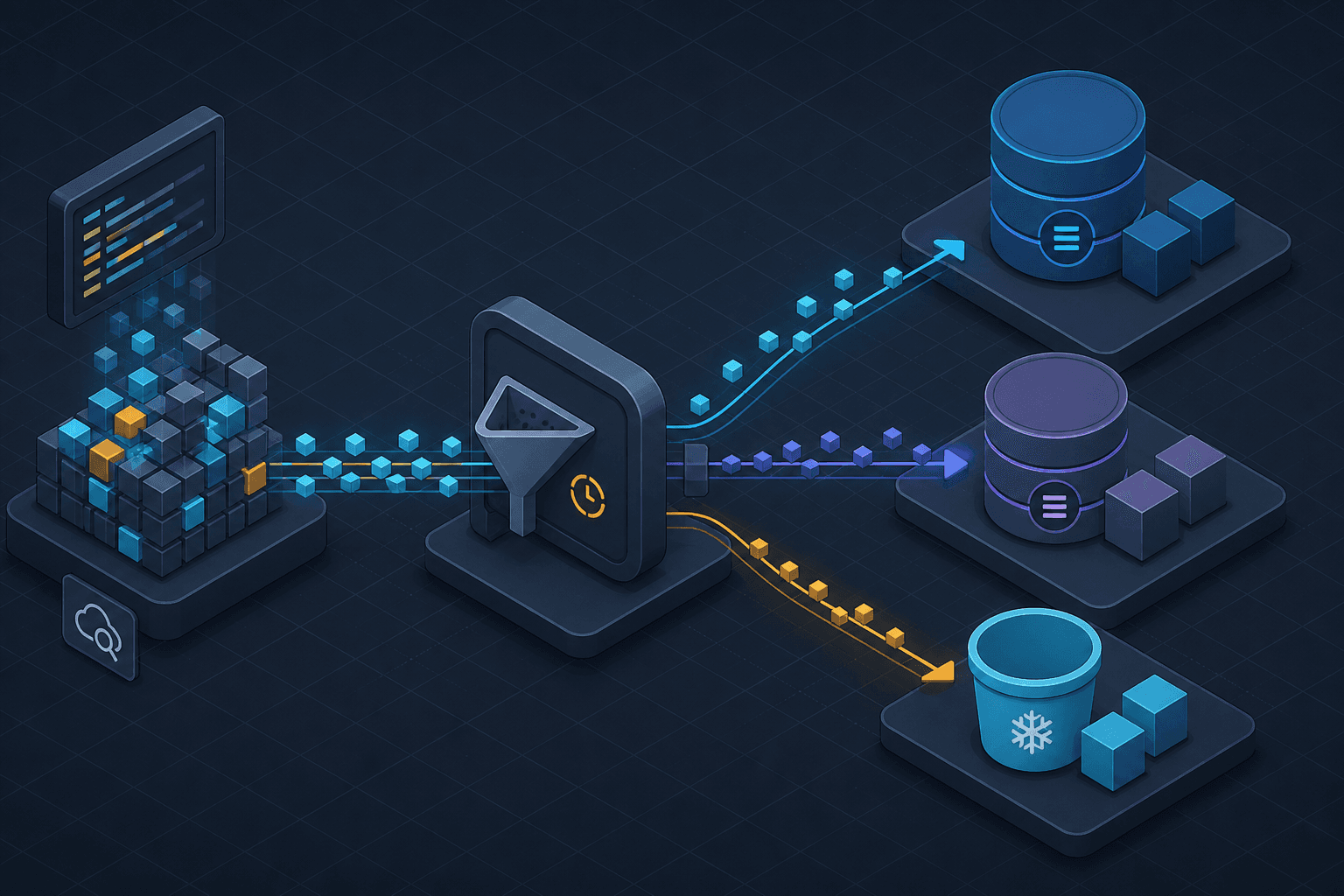
Log Retention, CloudWatch Logs, and Cost Control
Strategies for managing CloudWatch Logs retention, log classes, and S3 tiering to control AWS logging costs effectively.
CloudWatch Logs is the central nervous system of AWS observability, but it is also a common source of budgetary surprise. Unlike compute services where costs scale linearly with usage, logging costs compound through volume, duration, and access frequency. For Site Reliability Engineers (SREs) and cloud engineers, understanding the underlying billing mechanics is not optional; it is a prerequisite for sustainable operations.
This article details the mechanisms for controlling AWS logging expenses through retention policies, log class selection, and S3 integration.
The Mechanics of Logging Costs
Managing CloudWatch Logs cost requires understanding that billing is split into two primary components: Data Ingestion and Storage.
- Ingestion: You pay per GB of log data ingested into CloudWatch. This is a write-heavy cost. High-volume services, such as API Gateways or heavily instrumented microservices, can ingest terabytes daily.
- Storage: You pay per GB-month of data stored in CloudWatch Logs. This is a time-dependent cost. If you retain logs indefinitely, storage costs grow linearly with time.
The confusion often arises from assuming that deleting a log group stops costs. It does not. Ingestion costs are a one-time expense incurred once the data is written. Storage costs, however, accrue for every day the data remains in CloudWatch. Therefore, cost control is primarily a function of retention management and storage tiering, clearly separating the one-time ingestion fee from the recurring storage fee.
Retention Policies: The First Line of Defense
CloudWatch Logs allows you to configure log retention policies at the log group level. This is the most immediate lever for cost control.
How Retention Works
By default, log streams within a log group may have different retention settings. However, best practice dictates setting a retention policy on the log group itself. The available options are:
- Never Expire: Logs are stored indefinitely. This is the default for many legacy setups and is the primary driver of uncontrolled costs.
- Specific Duration: You can set retention to 1 day, 3 days, 5 days, 1 week, 2 weeks, 1 month, 2 months, 3 months, 4 months, 5 months, 6 months, 1 year, 13 months, 18 months, 2 years, 3 years, 5 years, 6 years, 7 years, or 10 years.
The Operational Trade-off
Choosing a retention period is an engineering decision, not just a financial one. Shorter retention periods reduce storage costs but limit your ability to debug historical incidents.
For example, if you experience a latency spike that occurs only once a month, a 7-day retention policy will have deleted the relevant logs before you can investigate. Conversely, retaining logs for 7 years incurs significant storage costs but may be required for compliance (e.g., PCI-DSS, HIPAA).
Actionable Step: Audit all log groups. Identify those with "Never Expire" and apply a retention policy based on the operational need for historical data. For most non-compliance-critical applications, 30–90 days is a reasonable starting point.
Log Classes: Optimizing Storage Costs
CloudWatch Logs introduced log class selection to address the cost of storing large volumes of logs that are rarely accessed. This is a critical mechanism for reducing storage costs without changing retention policies.
Standard vs. Infrequent Access (IA)
- Standard Log Class: Optimized for frequent access. This is the default for most log groups. It offers low-latency retrieval but comes at a higher storage cost.
- Infrequent Access (IA) Log Class: Optimized for logs that are accessed less frequently. IA logs cost 50% less for ingestion compared to Standard logs (storage pricing is the same for both classes).
When to Use IA
Use the IA log class for logs that are:
- Retained for compliance but rarely queried.
- Generated at high volume but only needed for occasional audits.
- Part of a long-term retention strategy where most data is cold.
Mechanism Note: Retrieval costs for IA logs are higher than for Standard logs. If you frequently query IA logs, the retrieval costs may outweigh the storage savings. Therefore, IA is best suited for "write-once, read-rarely" scenarios.
Implementation
You can specify the log class when creating a new log group using the AWS CLI or SDK:
aws logs create-log-group \
    --log-group-name my-app-logs \
    --tags Environment=Production \
    --log-class INFREQUENT_ACCESS
The log class is set at creation time and cannot be changed for an existing log group; to move a log group to a different class, you must create a new log group with the desired class and direct future log delivery to it.
S3 Export and Tiering: Long-Term Compliance
For logs that must be retained for years (e.g., 7 years for PCI-DSS), storing them in CloudWatch Logs becomes prohibitively expensive. The recommended pattern is to export logs to Amazon S3 and leverage s3 tiering capabilities.
Exporting to S3
CloudWatch Logs can stream log data to an S3 bucket in real-time or via periodic exports. This decouples logging from CloudWatch’s storage model.
aws logs create-export-task \
    --task-name "export-to-s3" \
    --log-group-name /aws/lambda/my-function \
    --from 1609459200000 \
    --to 1612137600000 \
    --destination my-compliance-bucket
S3 Tiering Strategies
Once logs are in S3, you can apply lifecycle policies to move data to cheaper storage tiers:
- S3 Intelligent-Tiering: Automatically moves data between frequent and infrequent access tiers based on access patterns. This is ideal for logs with unpredictable access patterns.
- S3 Glacier Deep Archive: The lowest-cost storage option in AWS, suitable for data that is rarely accessed and has retrieval times of 12 hours or more. This is ideal for compliance logs that are only accessed during audits.
Cost Comparison: S3 Standard storage costs approximately $0.023/GB-month, while S3 Glacier Deep Archive costs approximately $0.00099/GB-month. This is a ~95% reduction in storage costs for long-term retention.
Retrieval Considerations
Using Glacier Deep Archive introduces a trade-off: retrieval time and cost. If you need to query logs frequently, this model fails. For occasional compliance checks, however, the cost savings are substantial.
Summary of Cost Control Mechanisms
| Mechanism | Best For | Cost Impact |
|---|---|---|
| Retention Policy | Reducing storage duration | High (linear reduction) |
| Log Class (IA) | Storing rarely accessed logs | Medium (50% ingestion cost reduction) |
| S3 Export + Tiering | Long-term compliance retention | Very High (up to 95% reduction) |
Conclusion
Controlling CloudWatch Logs cost requires a multi-layered approach. Start by auditing retention policies to eliminate indefinite storage. Next, apply Infrequent Access log classes to logs that are retained but rarely queried. Finally, for long-term compliance, export logs to S3 and leverage lifecycle policies to move data to Glacier Deep Archive.
By treating logging as a structured data lifecycle rather than an infinite buffer, you can maintain reliable observability without sacrificing budget predictability.
Related posts
AWS Alerting: Fire on Real Threats
Reduce alert fatigue in AWS by configuring EventBridge and GuardDuty to fire only on high-fidelity threats.
CloudTrail, CloudWatch, and GuardDuty: Who Does What
Understand the distinct roles of CloudTrail, CloudWatch, and GuardDuty in AWS security and monitoring architecture.
The Mechanics of AWS Security Visibility: CloudTrail, CloudWatch & GuardDuty
A detailed examination of AWS CloudTrail, CloudWatch, and GuardDuty for effective security monitoring and incident response.