Building Multi-Factor Authentication with TOTP in Spring Boot
A technical walkthrough for implementing Two-Factor Authentication using TOTP and Google Authenticator within a Spring Boot application.
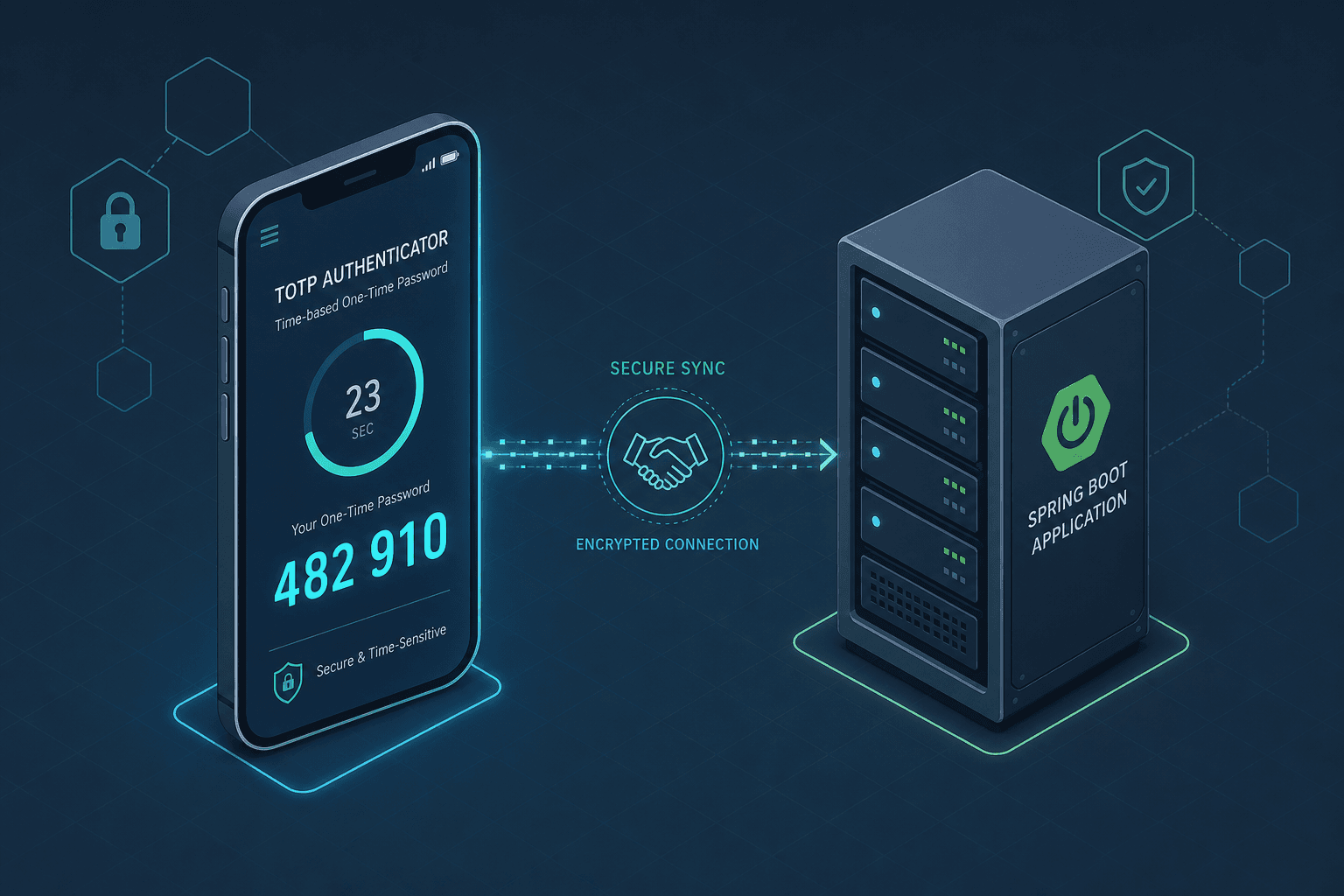
The confusion surrounding Two-Factor Authentication (2FA) often stems from treating it as a monolithic "login mode" rather than a distinct cryptographic handshake. In a Spring Boot application, TOTP (Time-based One-Time Password) is not a replacement for the username and password; it is a secondary credential validation layer that must occur after the initial identity proof but before the session is fully established. The core mechanism relies on the shared secret: a cryptographic key known only to the user's device (e.g., Google Authenticator) and your server. This key allows both parties to independently derive the same 6-digit code at any given second without transmitting the code itself over the network.
The Mechanism of TOTP
TOTP is defined in RFC 6238 as an extension of HOTP (HMAC-based One-Time Password) from RFC 4226. While HOTP uses a counter that increments with every use, TOTP replaces the counter with the current Unix timestamp, divided by a time step (typically 30 seconds). This creates a rolling window of validity.
Imagine a user, Alice, logging in. Her mobile app holds a secret key K. The server also holds K. At 12:00:00 UTC, the current time is converted to a counter value (e.g., 12:00:00 / 30 = 4000000). Both Alice's phone and your Spring Boot server calculate HMAC-SHA1(K, counter) and take the result modulo 1,000,000 to get the 6-digit code. If the server and Alice's phone are perfectly synchronized, they produce the same number.
The critical security constraint here is that the server never stores the TOTP codes. It only stores the secret K. If an attacker intercepts a code, it is useless because the next second produces a completely different hash. This makes the system stateless regarding the token, relying on the synchronization of time and the shared secret.
Key Generation and Storage
Before Alice can scan a QR code, your backend must generate a cryptographically secure random secret. In Java, this is best handled using SecureRandom and Base64 encoding to create a Base32 string compatible with Google Authenticator.
import com.google.zxing.BarcodeFormat;
import com.google.zxing.EncodeHintType;
import com.google.zxing.MultiFormatWriter;
import com.google.zxing.common.BitMatrix;
import org.springframework.stereotype.Service;
import java.security.SecureRandom;
import java.util.Base64;
import java.util.HashMap;
import java.util.Map;
import java.net.URLEncoder;
import java.nio.charset.StandardCharsets;

@Service
public class TotpService {

    private static final int SECRET_LENGTH = 16; // 128-bit secret

    public String generateSecret() {
        SecureRandom random = new SecureRandom();
        byte[] secret = new byte[SECRET_LENGTH];
        random.nextBytes(secret);
        // Base32 encoding is required for Google Authenticator compatibility
        return Base64.getEncoder().encodeToString(secret).replace("=", "");
    }

    public String generateQrCodeUrl(String issuer, String username, String secret) {
        String otpAuthUrl = String.format("otpauth://totp/%s:%s?issuer=%s&secret=%s",
                URLEncoder.encode(issuer, StandardCharsets.UTF_8),
                URLEncoder.encode(username, StandardCharsets.UTF_8),
                URLEncoder.encode(issuer, StandardCharsets.UTF_8),
                URLEncoder.encode(secret, StandardCharsets.UTF_8));
        // In a real implementation, you would render this as a QR code image
        return otpAuthUrl;
    }
}
When generating the secret, you must ensure it is stored securely. Storing the raw secret in a database column is risky. While encryption at rest is a database concern, the application should treat the secret as highly sensitive. In a production environment, you would encrypt the secret using a key managed by a Vault or AWS KMS before persisting it to the users table.
The resulting string is then used to generate a URI that Google Authenticator can parse. The URI format otpauth://totp/Issuer:User?secret=KEY is the standard artifact that the mobile app consumes.
Spring Security Integration
Spring Security does not natively support TOTP out of the box because it assumes a monolithic authentication flow. To integrate TOTP, you must introduce a custom filter that sits between the standard UsernamePasswordAuthenticationFilter and the ExceptionTranslationFilter.
This filter acts as a gatekeeper. When a user logs in with a valid username and password, Spring Security creates an Authentication object but does not mark it as "fully authenticated" for sensitive operations. Instead, it sets a flag indicating "2FA pending."
Your custom filter, let's call it TotpAuthenticationFilter, intercepts the next request after the password check has passed but before the session is fully committed. It checks if the user has completed the 2FA challenge.
import org.springframework.security.web.authentication.WebAuthenticationDetailsSource;
import org.springframework.security.core.context.SecurityContextHolder;
import org.springframework.security.core.Authentication;
import org.springframework.security.core.context.SecurityContext;
import org.springframework.security.web.context.HttpSessionSecurityContextRepository;
import javax.servlet.FilterChain;
import javax.servlet.ServletException;
import javax.servlet.http.HttpServletRequest;
import javax.servlet.http.HttpServletResponse;
import java.io.IOException;

public class TotpAuthenticationFilter extends OncePerRequestFilter {

    private final TotpService totpService;

    @Override
    protected void doFilterInternal(HttpServletRequest request, HttpServletResponse response, FilterChain filterChain)
            throws ServletException, IOException {

        // Check if the user has already completed 2FA
        Authentication auth = SecurityContextHolder.getContext().getAuthentication();
        if (auth != null && auth.isAuthenticated() && !((CustomUserDetails) auth.getPrincipal()).isMfaVerified()) {

            // Retrieve the token from the request parameter, standard for browser-based forms
            String token = request.getParameter("token");
            if (token != null && !token.isEmpty()) {
                String username = ((CustomUserDetails) auth.getPrincipal()).getUsername();

                // Validate the token against the stored secret
                boolean isValid = totpService.validateToken(username, token);

                if (isValid) {
                    // Update the user details to mark 2FA as verified
                    CustomUserDetails verifiedUser = new CustomUserDetails(auth.getPrincipal(), true);
                    Authentication newAuth = new UsernamePasswordAuthenticationToken(
                            verifiedUser, auth.getCredentials(), auth.getAuthorities());
                    newAuth.setDetails(auth.getDetails());
                    SecurityContextHolder.getContext().setAuthentication(newAuth);

                    // Proceed to the next filter
                    filterChain.doFilter(request, response);
                    return;
                }
            }

            // If no token or invalid, reject with 401 or redirect to 2FA input form
            response.sendError(HttpServletResponse.SC_UNAUTHORIZED, "2FA Required");
            return;
        }

        filterChain.doFilter(request, response);
    }
}
This approach decouples the "who you are" (password) from "what you have" (TOTP device). The CustomUserDetails interface must track the isMfaVerified flag. This ensures that even if an attacker steals the password, they cannot access the application without the time-synced token.
The Verification Loop
The most common failure point in TOTP implementations is clock skew. Users' devices and servers rarely have perfect time synchronization. If the server expects time T and the user's device is running T+1, the validation fails.
To handle this, the validation mechanism must check not just the current time step, but also the previous and next steps. This creates a window of ±30 seconds (one time step in each direction).
public boolean validateToken(String username, String token) {
    // Retrieve the user's stored secret
    String secret = userRepository.getSecretByUsername(username);

    long currentTime = System.currentTimeMillis() / 1000L;
    long timeStep = currentTime / 30L;

    // Check current, previous, and next time steps to handle clock drift
    for (long i = -1; i <= 1; i++) {
        long step = timeStep + i;
        if (verifyToken(secret, step, token)) {
            return true;
        }
    }

    return false;
}

private boolean verifyToken(String secret, long step, String token) {
    // HMAC-SHA1 logic here
    // Compare calculated hash with provided token
    return calculatedHash.equals(token);
}
This loop ensures that a user who is 29 seconds behind or ahead of the server can still authenticate. However, if the skew exceeds 30 seconds, the system rejects the token, limiting the validity of a code to 90 seconds total, reducing the window for replay attacks, though it does not eliminate them entirely.
Conclusion
Implementing TOTP in Spring Boot is less about finding a library and more about orchestrating the state machine of authentication. You must manage the lifecycle of the shared secret, generate the QR artifacts correctly, and insert a custom validation layer into the security chain that respects the time-based nature of the protocol. By separating the password check from the TOTP check, you maintain the flexibility to enforce 2FA only on sensitive endpoints or require it for all users, all while adhering to the cryptographic guarantees defined in RFC 6238.
The tradeoff here is developer complexity versus security gain. You now have to manage secret rotation, handle lost devices (requiring a backup code system), and ensure your server's time source is accurate (NTP). However, for applications handling sensitive data, the shift from a single point of failure to a time-synchronized challenge-response mechanism is the standard for modern application security.
Common Pitfalls
Implementing TOTP introduces specific operational challenges that go beyond the initial code setup.
- Clock Drift Management: Relying on a single time step is insufficient. You must implement a sliding window (checking ±1 or ±2 time steps) to accommodate minor discrepancies between server NTP sources and client device clocks. However, expanding this window too wide increases the risk of replay attacks.
- Lost Device Recovery: There is no "forgot my authenticator app" button. If a user loses their device, they are locked out unless you have a pre-generated backup code system. You must design a workflow for generating and validating these one-time-use codes during the initial setup phase.
- Secure Secret Storage: The TOTP secret is the root of trust for the second factor. Storing it in plain text in a database is a critical vulnerability. It must be encrypted at rest, ideally using a dedicated key management service (KMS) or a secrets manager, and access to the database column containing the secret should be strictly limited.
Practical Takeaways
To successfully deploy TOTP, adopt these mental models:
- Never store the code, only the secret: The 6-digit numbers are ephemeral. Your database should only ever hold the encrypted shared secret.
- Validate against a time window, not just the current second: Always implement a rolling window check (e.g., current, previous, and next intervals) to handle real-world clock synchronization issues.
- Treat the secret as a high-value asset: Since the secret is the key to the second factor, it requires the same level of protection as the user's password, if not higher.
FAQ
Q: What happens if the server clock drifts significantly? A: If the server clock drifts beyond the configured validation window (e.g., >60 seconds if checking ±1 step), legitimate users will be rejected. You should monitor server NTP synchronization closely and implement alerting for drift. In extreme cases, you may need to allow a temporary administrative override to reset the user's TOTP state.
Q: How do I handle lost devices? A: The standard pattern is to provide "Backup Codes" during the setup process. These are a set of unique, one-time-use codes generated and stored alongside the TOTP secret. If a user loses their device, they can use one of these codes to disable the TOTP requirement and re-enroll.
Q: Can I use a library instead of writing this from scratch?
A: Yes, libraries like javaotp or TOTP wrappers exist, but they often require careful configuration to match your specific Spring Security integration needs. Writing the logic manually gives you precise control over the validation window and the interaction with the SecurityContext.
Related posts
Multi-Factor Authentication with OIDC: Implementing MFA
An examination of implementing multi-factor authentication using OIDC, covering Keycloak, WebAuthn, TOTP, and step-up authentication via ACR.
Building a Self-Service Password Reset with Spring Boot and Keycloak
A walkthrough of implementing password recovery and self-service identity flows using Spring Boot and Keycloak required actions.
Building a Custom Authentication Provider in Spring Security
This article covers the implementation of a custom authentication mechanism within Spring Security using a dedicated AuthenticationProvider.