Migrating from ForgeRock to Keycloak: Lessons Learned
A guide covering the migration from ForgeRock to Keycloak, highlighting key lessons on identity migration and platform adoption.
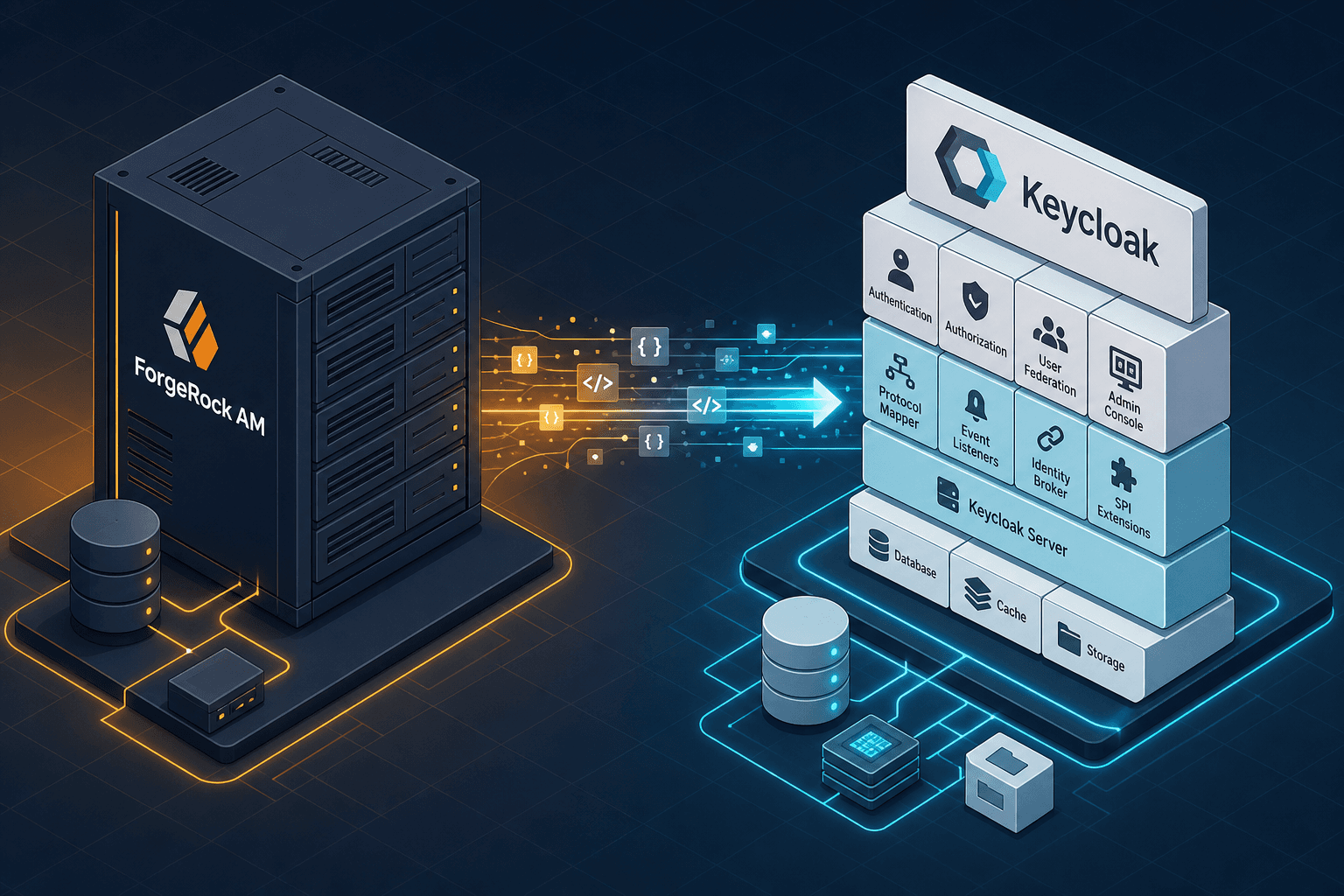
The decision to move from ForgeRock Access Management (AM) to Keycloak is rarely a simple "lift and shift." It is a fundamental architectural pivot from a commercial, monolithic Identity and Access Management (IAM) suite to a modular, open-source platform built on the Quarkus framework. As Part 11 of the Keycloak Masterclass Series, this guide addresses the primary friction point: the reconciliation of data models and protocol behaviors that were previously abstracted away by vendor support. When you migrate, you are not just moving users; you are translating a proprietary state machine into a standardized, community-maintained one.
The Data Model Divergence
In ForgeRock AM, the concept of a "Realm" serves as a logical container for users, policies, and authentication flows. However, the internal storage schema is heavily optimized for ForgeRock's proprietary directory services. Keycloak also uses the term "Realm," but its underlying data model is strictly relational, relying on PostgreSQL or MySQL, with a schema designed for high-volume token issuance rather than complex policy evaluation.
The most immediate lesson is that you cannot simply dump the ForgeRock database and restore it into Keycloak. The user attributes in ForgeRock often use custom JSON structures or extended LDAP attributes that do not map 1:1 to Keycloak's attributes JSON column or standard role mappings.
Consider a scenario where your legacy application relies on a custom ForgeRock attribute employeeType stored as a nested JSON object within the user entry. In Keycloak, this same attribute must be flattened or mapped explicitly to the attributes field during the import process. If you attempt to use the default LDAP sync tool without pre-mapping these fields, the application will fail to resolve the user context, leading to authorization errors.
To handle this, you must perform a manual schema mapping. The recommended approach involves exporting the ForgeRock user base to a flat JSON format using the ForgeRock REST API, then writing a transformation script to normalize these attributes before importing them into Keycloak via the Admin REST API. This ensures that custom claims are preserved as standard OIDC claims rather than lost metadata.
Protocol Behavior Gaps
Even if the data moves correctly, the protocol behavior often breaks. ForgeRock AM has historically allowed for looser configuration defaults regarding token signing algorithms and encryption. Keycloak, adhering strictly to modern security standards, enforces stricter defaults on the OIDC and SAML protocols.
A common failure point occurs during the discovery phase. When a client application requests the .well-known/openid-configuration endpoint, ForgeRock might return a list of supported algorithms that includes non-standard JWE configurations or legacy padding modes alongside standard options like RS256. Keycloak does not enable these legacy configurations by default. If your legacy application expects a specific JWE (JSON Web Encryption) payload structure or a non-standard padding mode, it will reject the Keycloak response.
In a concrete migration scenario, imagine a "Legacy Banking App" configured to expect a JWS (JSON Web Signature) signed with the RS256 algorithm using a specific key ID (kid) embedded in the header. Keycloak, by default, generates keys dynamically. If the kid changes or the algorithm negotiation fails due to these legacy expectations, the app throws a signature verification error. The solution requires manually configuring the Keycloak realm to use a static private key and explicitly setting the Signature Algorithm to match the legacy client's requirements, or updating the client to support the new Keycloak defaults.
Furthermore, token lifecycles differ. ForgeRock often defaults to longer refresh token lifetimes to accommodate legacy session persistence. Keycloak's default refresh token expiration is shorter to mitigate replay attacks. If you do not adjust the Refresh Token Max Reuse and Access Token Lifespan settings in the Keycloak realm, users will experience frequent re-authentication loops immediately after migration.
The Migration Execution Strategy
Do not attempt a "big bang" cutover. The risk of breaking authentication for the entire user base is too high. Instead, implement a staged migration strategy using traffic splitting at the load balancer level.
Imagine a "Marketing Portal" that authenticates 10,000 daily users. You set up the Keycloak instance in parallel with the existing ForgeRock instance. You configure the load balancer to route 10% of traffic to Keycloak and 90% to ForgeRock. You use the ForgeRock API to continuously sync user changes to Keycloak using a scheduled job to poll the ForgeRock API, ensuring the user attribute data is eventually consistent.
During this phase, you monitor the "Auth Fail Rate" on both systems. If Keycloak shows a spike in 401 (Unauthorized) errors, it indicates a protocol mismatch or a missing attribute mapping. Once the error rate stabilizes at zero for the 10% slice, you increase the traffic to 50%, then 90%, and finally 100%. This mechanism allows you to isolate failures to the new platform without impacting the entire organization.
Crucially, you must handle the "session migration" problem. Data synchronization ensures user attributes are consistent, but active session state cannot be transferred between the two platforms. Session cookies are bound to the specific server instance and cannot be migrated to Keycloak. Users must re-authenticate when their session expires or when the traffic switch hits them. To minimize friction, you can implement a "soft logout" where the application detects the migration event and prompts the user to log in again with a clear message, rather than letting them hit a hard 401 error.
Operational Shift and Infrastructure
The final lesson is cultural and operational. ForgeRock AM is administered primarily through a rich graphical user interface (GUI) and web-based consoles. Keycloak, while having a web admin console, is designed to be managed via the command line (kc.sh) and the Admin REST API.
In a production environment, relying on the Keycloak GUI for configuration changes is a single point of failure and a source of configuration drift. If an administrator manually changes a realm setting via the browser, that change is not tracked in version control. When you deploy a new Keycloak container, the configuration is lost unless you use the --import-realm flag or the kc.sh import/export commands.
The recommended practice is to treat the Keycloak configuration as code. You should export the realm configuration as a JSON file and store it in a Git repository. Deployment scripts should use the Keycloak CLI to import this JSON file during the container startup. This ensures that every deployment is reproducible and that configuration changes are peer-reviewed.
For example, instead of clicking "Add Client" in the browser, you would run:
kc.sh import --file realm-config.json --server-url https://keycloak.example.com/auth/admin/realms/masterThis shift to Infrastructure as Code (IaC) is essential for DevOps teams adopting Keycloak. It aligns identity management with the rest of the modern cloud-native stack, where configuration is immutable and deployed via pipelines.
Conclusion
Migrating from ForgeRock to Keycloak is a successful endeavor if you treat it as a data translation and protocol normalization project rather than a software swap. The lessons learned center on the necessity of manual attribute mapping, the strict adherence to OIDC standards, and the adoption of API-driven operations. By isolating the migration traffic and treating configuration as code, you mitigate the risks of downtime and ensure a sustainable, long-term identity platform.
Common Pitfalls
Even with a solid strategy, specific pitfalls frequently derail migrations. First, custom attribute mapping failures occur when administrators assume a direct 1:1 mapping exists between ForgeRock's flexible LDAP schema and Keycloak's rigid JSON attributes, resulting in lost user context for downstream applications. Second, session state loss is often underestimated; teams sometimes assume that syncing user data preserves active sessions, but session tokens are ephemeral and tied to the specific IdP instance, forcing a mandatory re-login. Third, token algorithm mismatches arise when legacy applications expect non-standard JWE configurations or legacy padding modes that Keycloak disables by default to comply with modern security standards, causing immediate signature verification failures.
Practical Takeaways
To navigate these challenges successfully, focus on three actionable takeaways. First, manual mapping is essential; do not rely on automated sync tools alone to translate complex ForgeRock attributes into Keycloak-compatible formats. Second, treat configuration as code; export your realm settings to JSON and manage them via version control to prevent drift and ensure reproducibility. Finally, prepare for re-authentication; architect your migration plan to handle the inevitable session reset by communicating clearly with users and implementing soft-logout mechanisms to reduce friction.
FAQ
Can I migrate active sessions from ForgeRock to Keycloak? No. Active session state is bound to the specific server instance and cannot be transferred. Users will need to re-authenticate when their session expires or when they are routed to the new Keycloak instance.
Is RS256 deprecated in Keycloak? No, RS256 is a standard and widely supported algorithm. The issue typically involves non-standard JWE configurations or legacy padding modes that Keycloak disables by default, not the algorithm itself.
How do I handle custom attributes during migration?
You must export the ForgeRock user data to a flat JSON format via the REST API, write a transformation script to normalize nested JSON or extended LDAP attributes, and then import them into Keycloak's attributes field via the Admin REST API.
Related posts
Keycloak REST API: Programmatic Realm and User Management
A guide to managing Keycloak realms and users via the Keycloak REST API for automation and administrative tasks.
Building Identity-Aware Load Balancing with NGINX and Keycloak
Learn how to implement identity-aware load balancing using NGINX and Keycloak for secure authentication routing.
Implementing WebAuthn in Keycloak: Passkey Authentication Setup
A walkthrough for configuring WebAuthn and passkeys within Keycloak to enable passwordless authentication using FIDO2 standards.