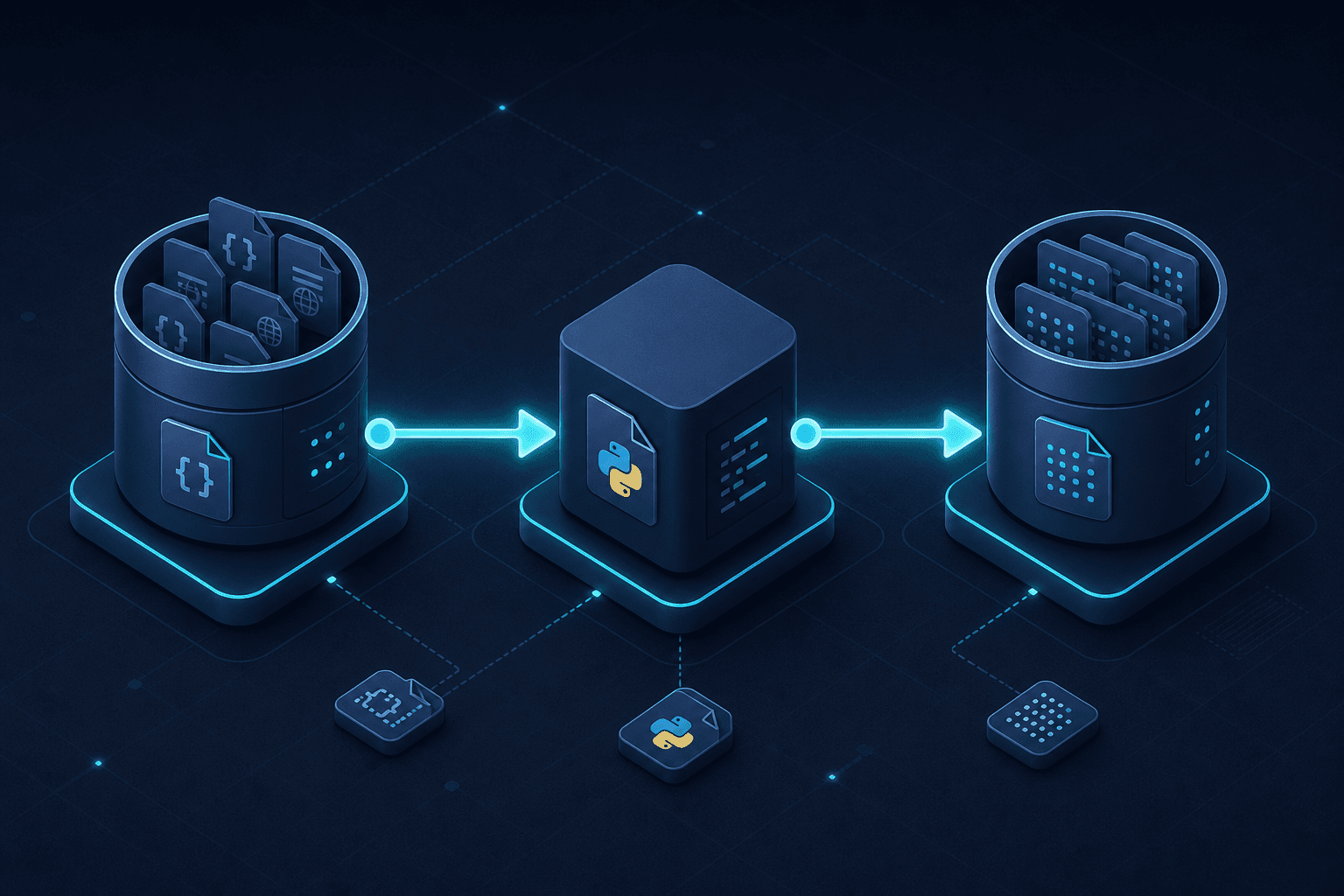
Dataset Versioning and Lineage with DVC
Explore dataset versioning and lineage using DVC to ensure reproducibility and provenance in LLM training pipelines.
Large Language Model (LLM) training is not merely a coding exercise; it is an experimental process where the "code" includes terabytes of unstructured data. In traditional software engineering, version control solves the problem of "what did I change?" In machine learning, we face a harder question: "which specific version of the data produced this model checkpoint?" Without explicit versioning and lineage tracking, reproducibility becomes impossible, and debugging model degradation turns into a forensic investigation.
This article explains how to use DVC (Data Version Control) to implement rigorous dataset versioning and lineage tracking. We will move from the conceptual need for immutability to the mechanical implementation of data pipelines, ensuring that every artifact in your LLM training stack is traceable.
The Immutability Problem
In a typical LLM pipeline, data undergoes multiple transformations: raw ingestion, cleaning, tokenization, and filtering. If you treat these datasets as mutable files—overwriting training_data.jsonl with a newer version—you lose the ability to reproduce results. Git tracks code changes, but it is inefficient for large binary or text files and lacks the semantic understanding of data dependencies required for ML workflows.
Effective dataset versioning solves this by treating data as an immutable artifact. It does not store the data itself in the Git repository (unless configured for small datasets); instead, it stores a lightweight pointer (a .dvc file) that contains metadata about the data's location, checksum, and dependencies. This allows the Git repository to track the state of the data without bloating the version history.
Mechanism of Data Versioning
The core mechanism of DVC versioning relies on content-addressable storage. When you add a dataset to DVC, it calculates a checksum (typically MD5 or SHA) of the data. This checksum serves as the unique identifier for that specific version of the data.
Consider a raw dataset file raw_web_scrape.jsonl. When you run dvc add, DVC performs two actions:
- It computes the checksum of
raw_web_scrape.jsonl. - It creates a file named
raw_web_scrape.jsonl.dvcin the Git repository.
The .dvc file looks something like this:
outs:
- md5: a1b2c3d4e5f6...
  path: raw_web_scrape.jsonl
  size: 5368709120
  nfiles: 1
This .dvc file is tracked by Git. If the underlying data changes, the checksum changes. If you commit the updated .dvc file, Git records the change in data state. Crucially, the actual data file is pushed to a remote storage backend (S3, GCS, Azure Blob, or even a local directory) via dvc push. This separation ensures that the Git repository remains fast and small, while the data is stored efficiently elsewhere.
Lineage and Reproducibility
Versioning alone is insufficient. We need lineage: the ability to trace how a dataset was derived from its sources. DVC achieves this through the dvc run command, which defines a task in a Directed Acyclic Graph (DAG).
A DVC stage defines:
- Dependencies: The input files (e.g.,
raw_web_scrape.jsonl). - Command: The shell command or script that processes the data (e.g.,
python clean_data.py). - Outputs: The resulting files (e.g.,
cleaned_data.jsonl). - External Outputs: Outputs stored outside the DVC-managed workspace (e.g., directly in cloud storage), which DVC tracks without copying into its local cache.
When you run dvc run, DVC records the relationship between inputs and outputs. This creates a lineage graph. If you later modify the cleaning script or the raw data, DVC knows exactly which downstream artifacts are stale and need regeneration.
You can visualize this lineage using dvc dag. This command renders a graph showing how data flows from raw sources through cleaning, tokenization, and finally to the training dataset. This visualization is critical for LLM engineers to audit the pipeline and understand the provenance of the data fed into the model.
Operational Workflow for LLMs
Let’s walk through a concrete scenario. You are building an LLM fine-tuning pipeline. You have three stages:
- Ingestion: Downloading raw data from a URL.
- Cleaning: Removing duplicates and filtering low-quality samples.
- Tokenization: Converting text to token IDs.
Step 1: Initialize and Add Raw Data
First, initialize DVC in your project and add the raw data.
dvc init
dvc add data/raw/web_scrape.jsonl
dvc push data/raw/web_scrape.jsonl
git add data/raw/web_scrape.jsonl.dvc .gitignore
git commit -m "Add raw web scrape data"
Note the .gitignore update. DVC automatically adds patterns to ignore the actual data files, ensuring only the .dvc metadata is committed.
Step 2: Define the Cleaning Stage
Next, define the cleaning process. This step takes the raw data and produces cleaned data.
dvc run -n clean \
  -d data/raw/web_scrape.jsonl \
  -d src/clean.py \
  -o data/cleaned/cleaned.jsonl \
  python src/clean.py
Here, -d specifies dependencies (data and code), and -o specifies the output. DVC now knows that data/cleaned/cleaned.jsonl depends on both the raw data and the cleaning script. If either changes, DVC will mark the cleaned data as out-of-date.
Step 3: Define the Tokenization Stage
Finally, define the tokenization stage, which depends on the cleaned data.
dvc run -n tokenize \
  -d data/cleaned/cleaned.jsonl \
  -d src/tokenize.py \
  -o data/tokenized/tokenized.jsonl \
  python src/tokenize.py
Step 4: Visualize Lineage
Now, visualize the entire pipeline.
dvc dagThe output will show a graph:
[web_scrape.jsonl] -> [cleaned.jsonl] -> [tokenized.jsonl]
       ^                  ^
       |                  |
  (clean.py)          (tokenize.py)
This DAG is your source of truth. If a bug is discovered in the cleaning script, you know that all downstream tokenized data is invalid. You can regenerate only the affected parts of the pipeline using dvc repro, which intelligently re-runs only the stages that have changed dependencies.
Conclusion
Dataset versioning and lineage are not optional extras for llm training; they are foundational requirements for reproducibility. By using dvc, you decouple data management from code management while maintaining a tight coupling of dependencies. The .dvc files serve as the manifest of your data state, and the DAG provides the map of your data’s journey. This combination ensures that any model checkpoint can be traced back to the exact data and code that produced it, enabling robust debugging, auditing, and collaboration in complex ML pipelines.
Related posts
Shadow Traffic for LLM Deployments
Explore how shadow traffic and traffic mirroring enable safe comparison of candidate LLM models in production without impacting user experience.
Zero-Downtime Model Rollouts: Strategies for Continuous ML Availability
Explore strategies for zero-downtime model rollouts, including blue-green deployments, rolling updates, and readiness probes to ensure continuous availability.
Semantic Caching That Actually Saves Money
Learn how semantic caching reduces LLM costs by storing similar prompts, managing similarity thresholds, and handling invalidation for platform engineers.
